USD Balance
Your USD Balance, always ready
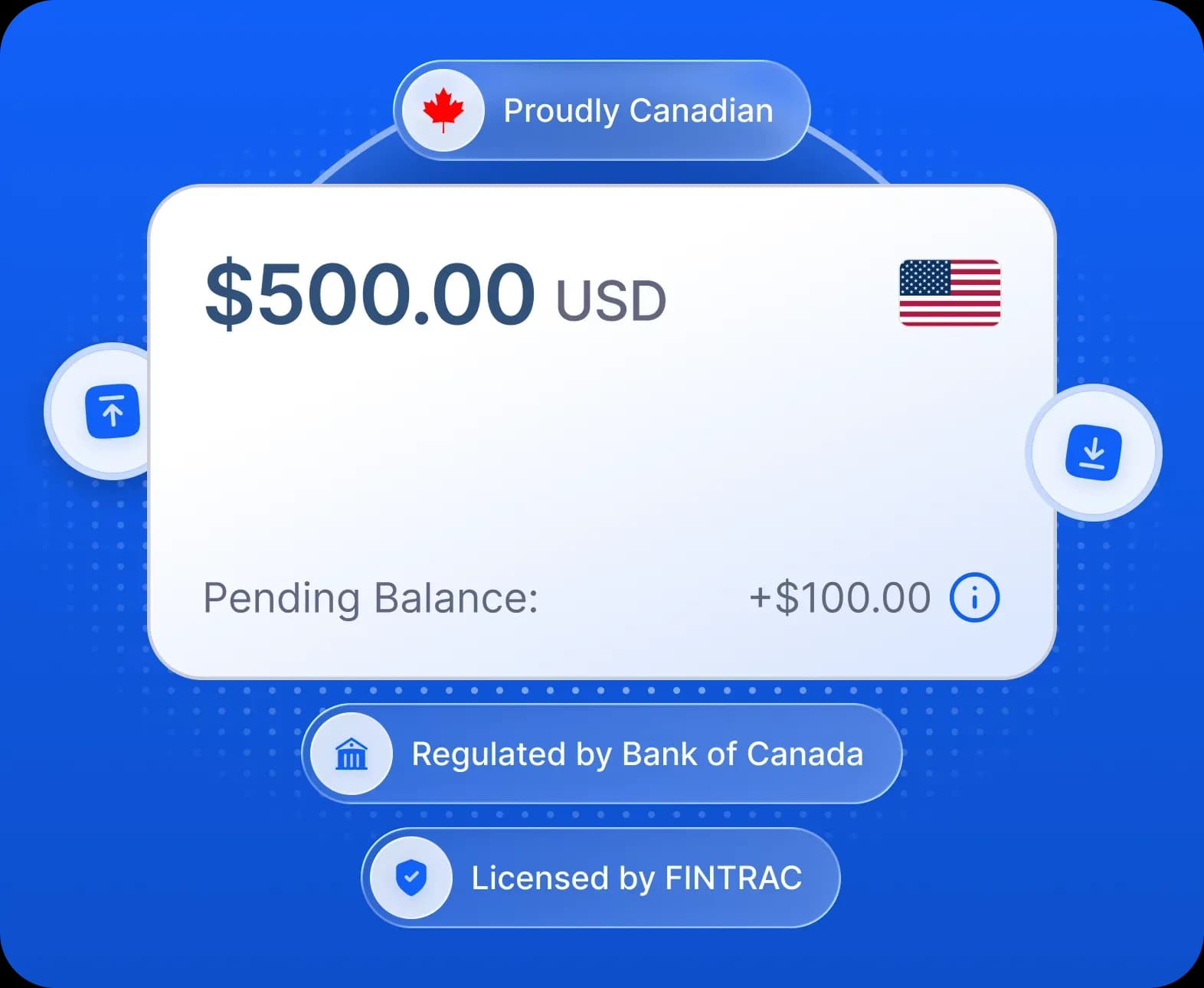
Add US dollars to your Remitbee Balance & keep them ready. Exchange between USD and CAD in seconds.
How it works

How to add USD to your balance

Your USD Balance is already open. You can find it on your dashboard.

Enter the amount you want to add (minimum $10 USD), then choose how to pay.

Connect a USD account at a Canadian bank, or pick one you've used before.

Once your bank is connected, confirm the deposit. Your USD lands in your balance within 2 business days, ready to use.
Why add USD to your balance?
No fees, ever. Deposit, withdraw, and exchange funds between your balances with no fees.
Exchange at the best rate. Keep USD in your balance, set up rate alerts & exchange when the rate is best to grow your savings.
Instant between balances. Exchanges between your RemitBee balances happen instantly - the moment you confirm.
Safe and insured. The money in your USD Balance is 100% secure and fully insured - always.

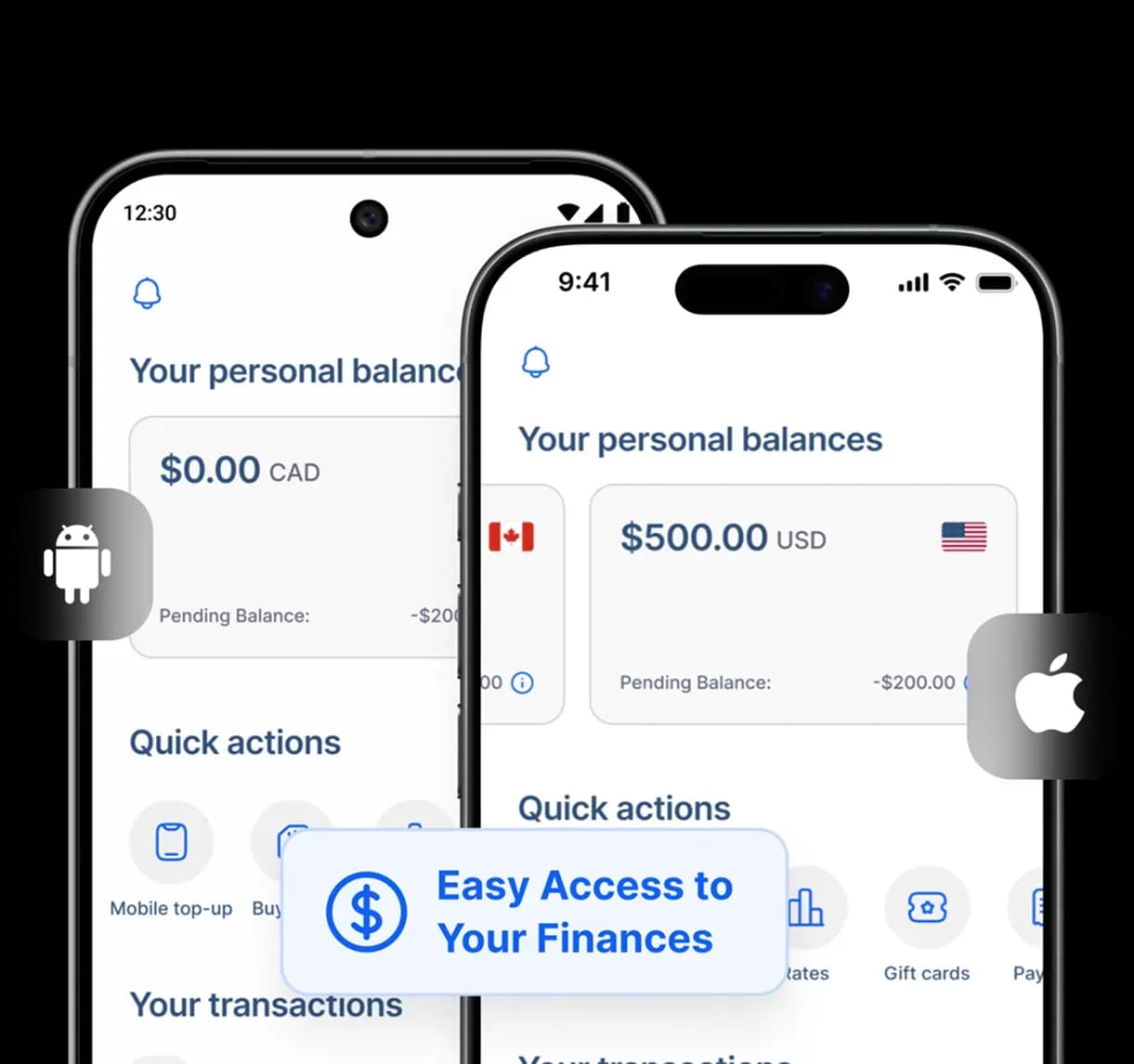
Your USD, on any device



We work with major Canadian Banks
Safe and sound
Next-level security

We use SHA-256 RSA encryption to shield all data and protect your funds from hackers or scammers.

Our system proactively prevents fraud, keeping your account secure at all times.

All transactions are fully insured. If a transaction doesn't complete, you'll be fully refunded.